Use one canonical Account record with invoices, contacts, documents, activity, and ownership.

For Business
Viewing TORO Recovery for Businesses.
How TORO Recovery works
Turn an overdue invoice into a managed recovery workflow.
TORO Recovery is more than an Account list or letter generator. It connects the record, the work, the decisions, the settlement path, and—when authorized—the attorney handoff.
Commercial B2B AccountsUser-approved actionsPlan-aware capabilities
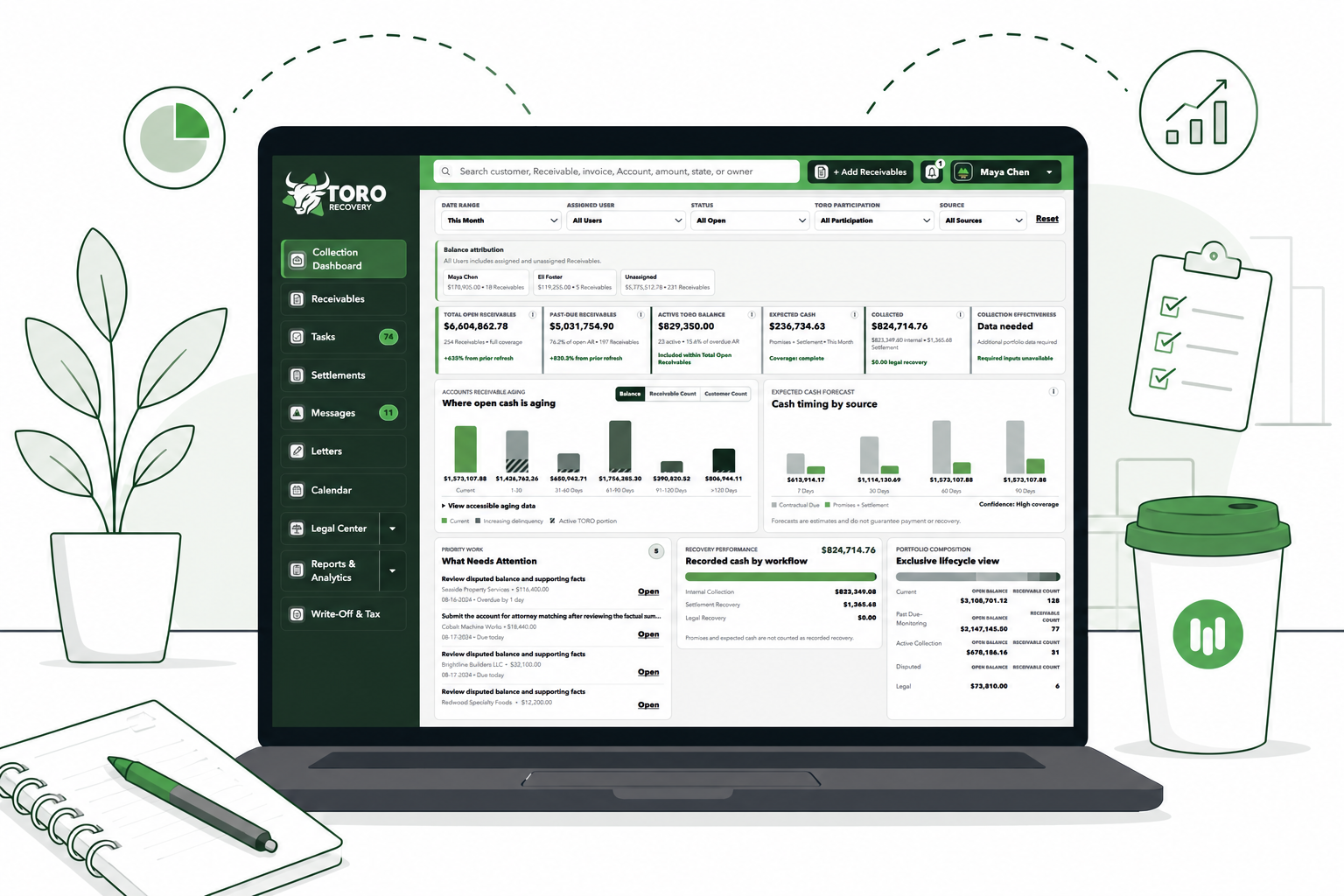
The operating difference
Replace fragmented collection activity with one accountable system.
The value is not one isolated tool. It is the continuity between what your team knows, what it does next, what it approves, and what a selected attorney is authorized to review.
Use Tasks, Calendar, pipeline stages, next actions, and due-date visibility.
Organize readiness, confirm the available document package, and select eligible firms from the Account.
The complete Account lifecycle
Six connected stages keep work moving without taking control away from the Business.
- 01

Create a complete Account record.
Start with a reliable operational record instead of scattered invoice files, inbox threads, and personal reminders.
Your team works from the same facts.- Manual Account creation
- Invoice-assisted entry with review
- Validated spreadsheet import
- Debtor, contact, invoice, balance, due-date, dispute, and owner fields
- Supporting documents and Account activity
- 02

Prioritize the portfolio and the next action.
Turn a list of overdue invoices into an organized queue of achievable work.
Important Accounts are harder to overlook.- Collection Dashboard and outstanding AR visibility
- Aging buckets and cash-flow runway context
- Tasks, Calendar, reminders, and scheduled follow-ups
- Smart Next Actions and risk signals
- Account-level pipeline and command center
- 03

Build professional, reviewed communications.
Create consistent documents from Account facts while keeping the Business in control of what is used or sent.
Less rebuilding, more consistent follow-through.- Categorized Business Document Generator
- Account-specific merge fields and editable previews
- Template access based on the active subscription
- Text-only professional letterhead on Free
- Company-logo letterhead and complete catalog on Starter and higher
- Version and document history
- 04

Manage responses, exceptions, and agreements.
Keep the recovery path connected when the debtor promises, disputes, pays, requests terms, or returns a payment.
The Account history explains what changed and why.- Payment promises and follow-up
- Structured dispute records
- Settlement Agreement drafting and signature receipt
- Settlement Plan schedules, installments, balances, and status
- Returned-payment and replacement-payment workflows
- Statements, transactions, and audit history
- 05

Prepare and authorize attorney escalation.
A Business can escalate when it decides attorney involvement is appropriate—even if internal collection steps were not completed.
The handoff begins organized rather than starting over.- Required Claim facts and flexible document-submission confirmation
- An option to confirm that no supporting documents exist
- Eligible attorney review by jurisdiction and Claim fit
- Business selection of preferred firms
- Attorney Bundles for separate same-state Claims where eligible
- Explicit authorization before an opportunity is created
- 06

Collaborate through the authorized Engagement.
After firm review and a separate written engagement, the Business and law firm can keep matter work connected.
Updates and decisions stay tied to the right Account.- Matter-specific Messages
- Evidence and document requests
- Shared and internal document visibility
- Engagement briefings and client-update drafting
- Structured settlement, strategy, and filing approvals
- Milestones, next-update dates, and Engagement history
One connected operating layer
The platform brings the major parts of commercial recovery together.
Capabilities remain role-, permission-, tenant-, and subscription-aware. The active plan determines which tools can be used.
Portfolio command.
- Collection Dashboard
- Accounts and invoices
- Aging and AR visibility
- Reports and exports
Daily execution.
- Task Command Center
- Calendar and reminders
- Smart Next Actions
- Account pipeline
Documents and records.
- Document Generator
- Company letterhead
- Account document library
- Visibility and history
Resolution workflows.
- Payment promises
- Settlement Plans
- Disputes and exceptions
- Statements and transactions
Attorney escalation.
- Legal-readiness review
- Nationwide Attorney Network
- Selected-firm submissions
- Attorney Bundles
Controlled collaboration.
- Business–Lawyer Messages
- Evidence requests
- Structured approvals
- Engagement updates
Inside the workspace
Each operational screen answers a different recovery question.
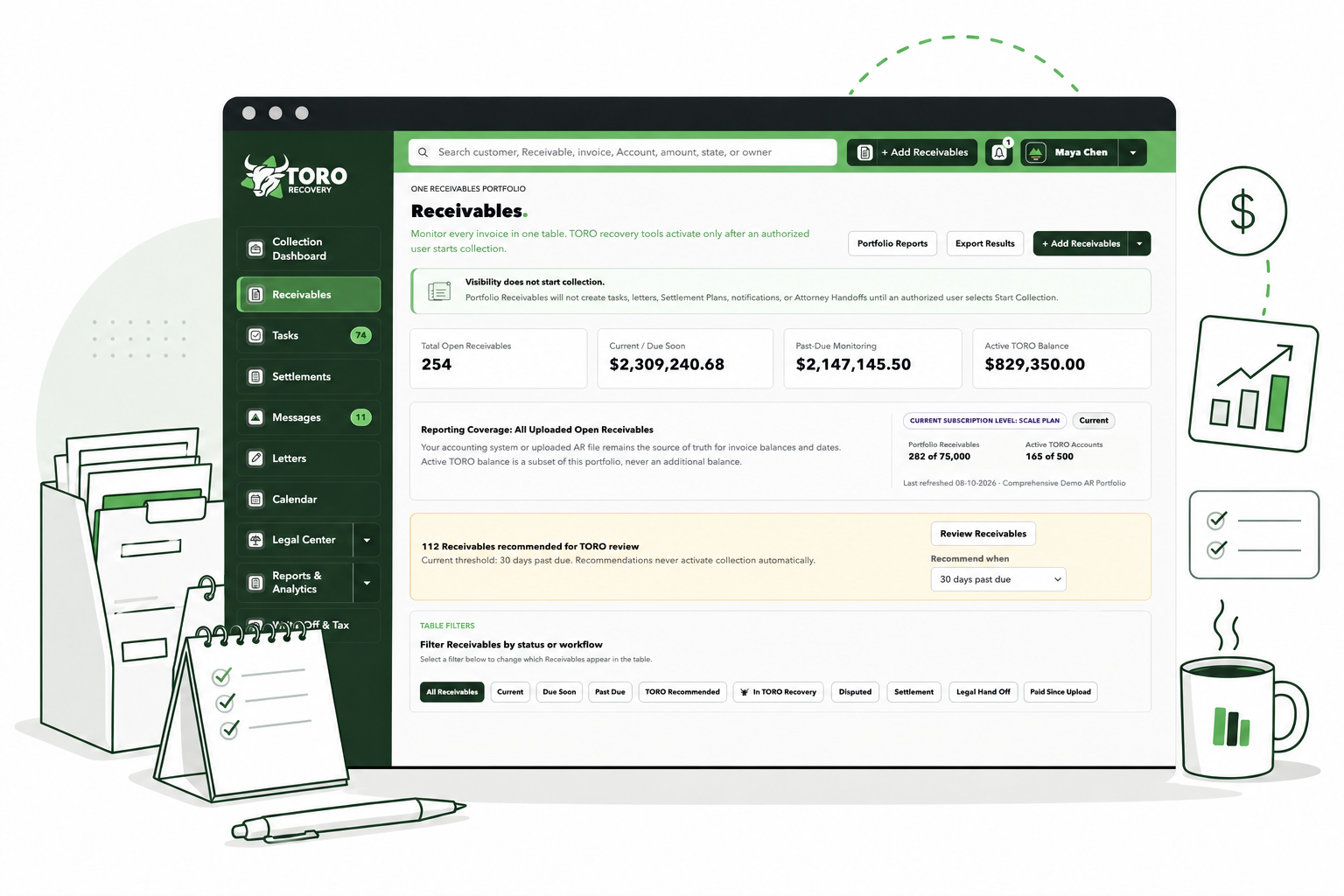
Claims and daily work
What is outstanding, where is it in the process, and what needs attention?
Search and filter the portfolio, open the complete Claim workspace, review the pipeline, work Tasks, inspect activity, and keep the next action visible.
- Claim-specific balances and invoices
- Attorney Bundle visibility
- Documents, Claim Data, Health, Letters, and Attorney Handoff
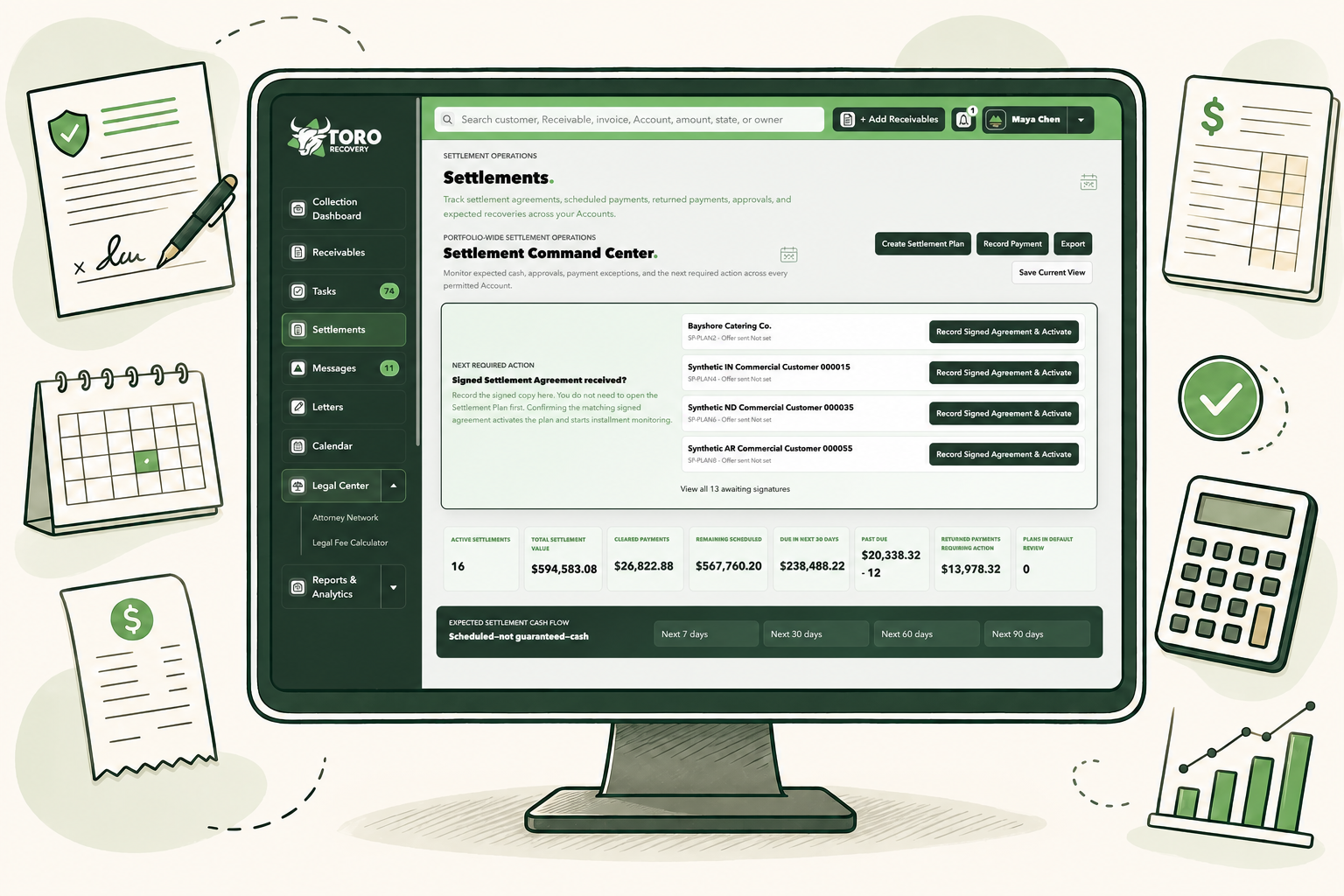
Settlement management
What was agreed, what is due, what cleared, and what requires action?
Draft the agreement, record receipt of the signed version, activate the plan, monitor installments, record payments, and respond to exceptions without losing the original Account history.
- Portfolio-wide Settlement command center
- Signature, schedule, and payment lifecycle
- Returned-payment and completion controls
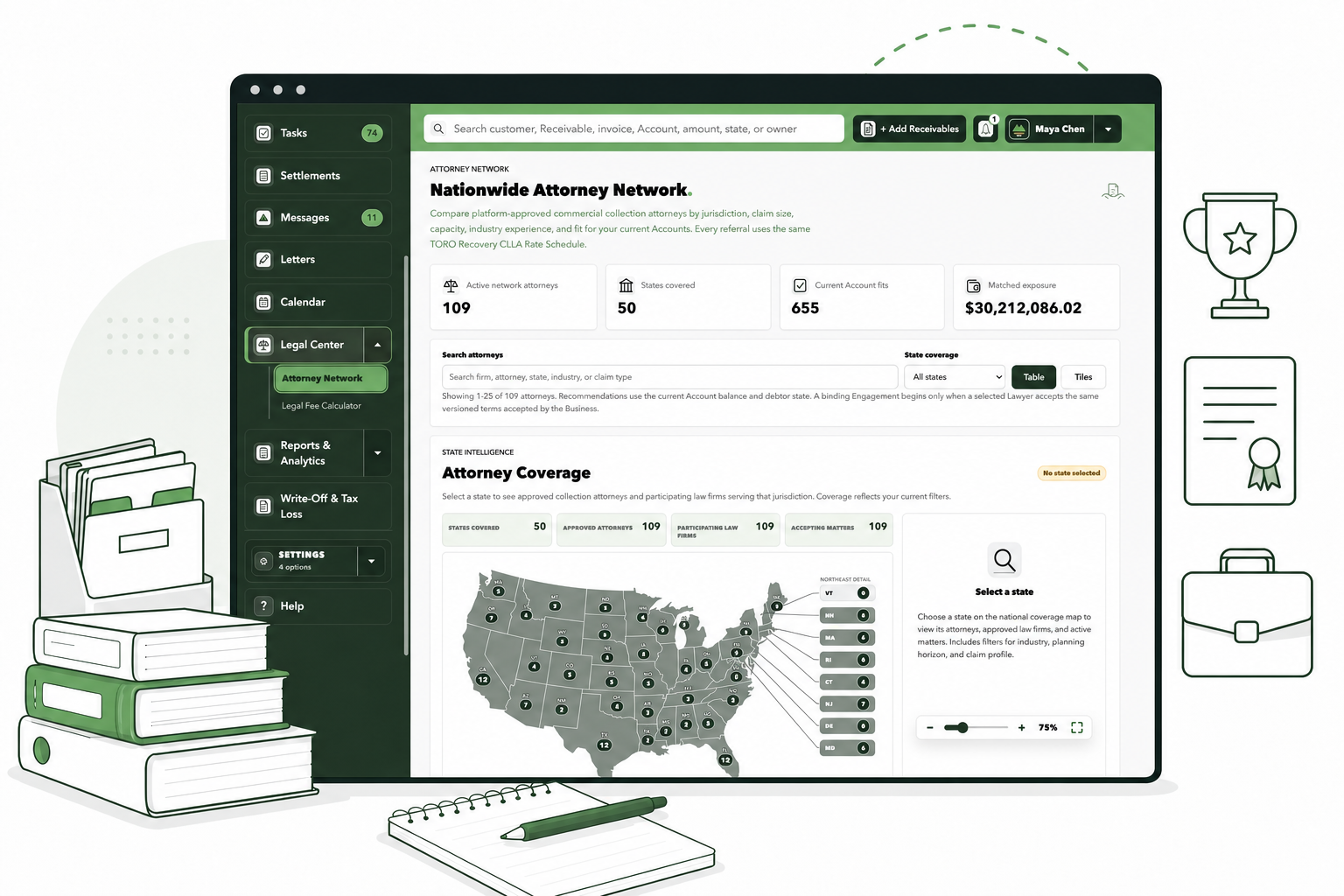
Attorney escalation
Is the Account ready to present, and which eligible firms should receive it?
Review the factual handoff, confirm the available documents—or that none exist—select eligible attorneys, authorize the opportunity, and track responses.
- Escalation can occur without completing internal steps
- The Business chooses selected eligible firms
- A referral does not itself retain a law firm
Value that grows with the Business
Start with Account control, then add resolution and attorney-escalation capabilities.
Free.
Start organizing up to three active Accounts, use the included document templates, work Tasks, and generate professional text-only correspondence.
Starter.
Add Settlement Plan management, complete Business document access, company-logo document branding, and personal profile images.
Growth.
Add legal-readiness review, Attorney Network access, and the ability to submit authorized Accounts to collection attorneys nationwide.
Scale and Enterprise.
Build on the complete workflow with higher operating capacity and the additional controls shown in the current plan comparison.
See current limits, pricing, inherited features, and Founding Business Pricing in the complete comparison.
Compare Every Plan and FeatureBuilt for controlled work
Important boundaries remain visible throughout the workflow.
- TORO Recovery is designed for business-to-business commercial Accounts, not consumer debts.
- The platform organizes workflow and documents; it does not provide legal advice or guarantee recovery.
- Users approve consequential actions. TORO does not automatically send collection communications.
- Attorney access is limited to explicitly authorized opportunities, Engagements, messages, and documents.
- Attorney interest does not create an attorney-client relationship; a separate written engagement is required.
- Settlement tools track agreements and payments; TORO Recovery does not currently process payments.
See the value in your own workflow
Bring the next overdue commercial Account into focus.
Create a Free workspace, then upgrade when your Business needs settlement management, branding, greater capacity, or attorney escalation.