
Tell us what your firm handles.
Choose the states, claim sizes, industries, debtor types, litigation availability, and workload that fit your practice. Every TORO Recovery referral uses one clearly disclosed CLLA contingent-fee schedule.

Commercial debt collection referrals for U.S. law firms
See the parties, balance, available documents, and claim history in one organized referral. Run your firm’s conflict and fit check, accept the right matters, and keep the Business client informed without replacing your existing case-management system.
No credit card required. Every approved firm receives complete Lawyer workspace access during Phase 1.
How it works
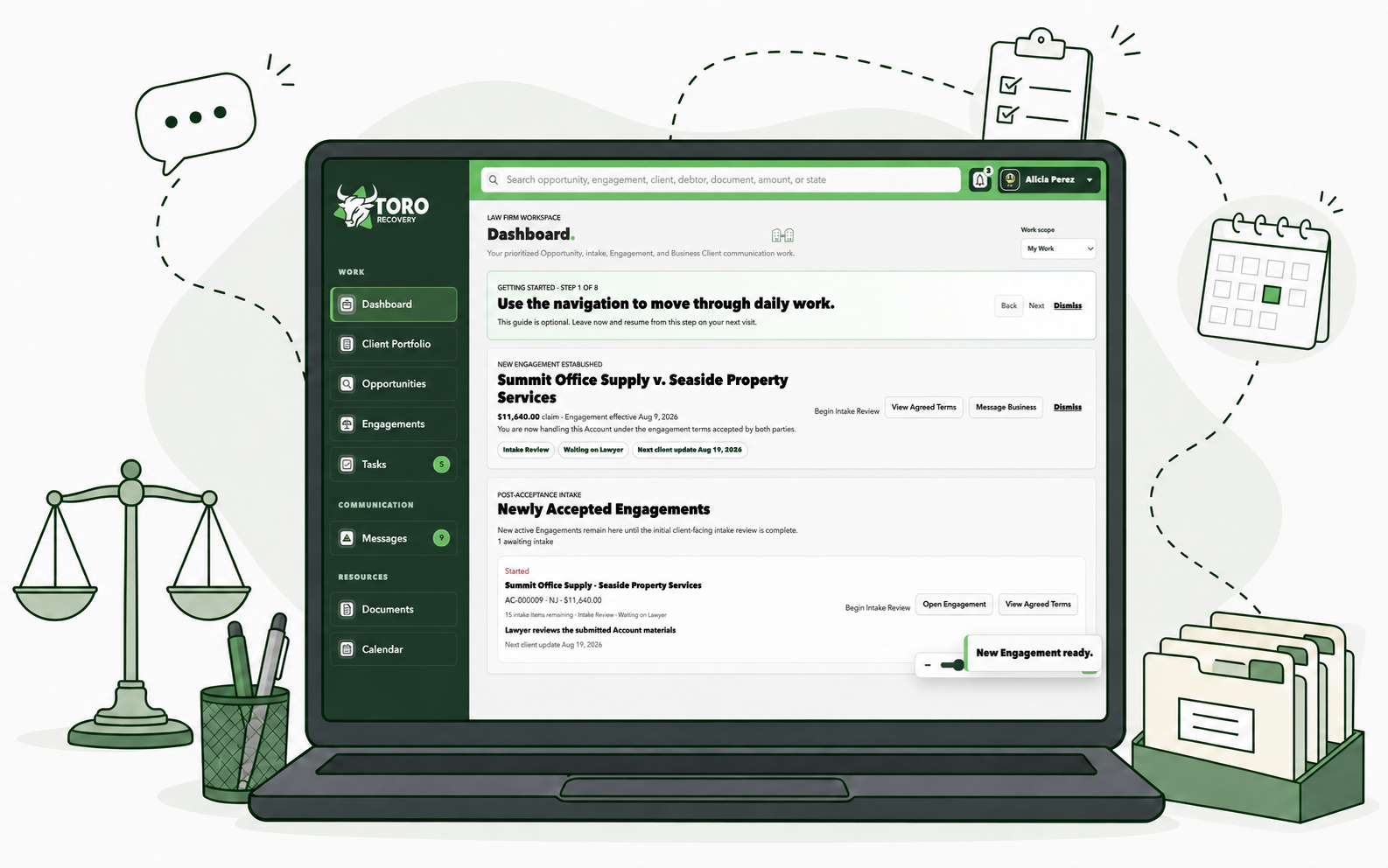
TORO Recovery keeps the referral, intake documents, Business messages, and approvals organized. Your firm keeps responsibility for professional judgment, conflict review, and the Engagement.
Choose the states, claim sizes, industries, debtor types, litigation availability, and workload that fit your practice. Every TORO Recovery referral uses one clearly disclosed CLLA contingent-fee schedule.

See the amount, state, parties, available documents, dispute and guaranty details, and response date before deciding whether the claim fits your firm.

Use the listed party information for your firm’s own conflict process. Marking a claim as Interested does not hire the firm or create an attorney-client relationship.

Review the contracts, invoices, statements, payment history, prior demands, messages, guaranties, disputes, and timeline the Business authorized for sharing.

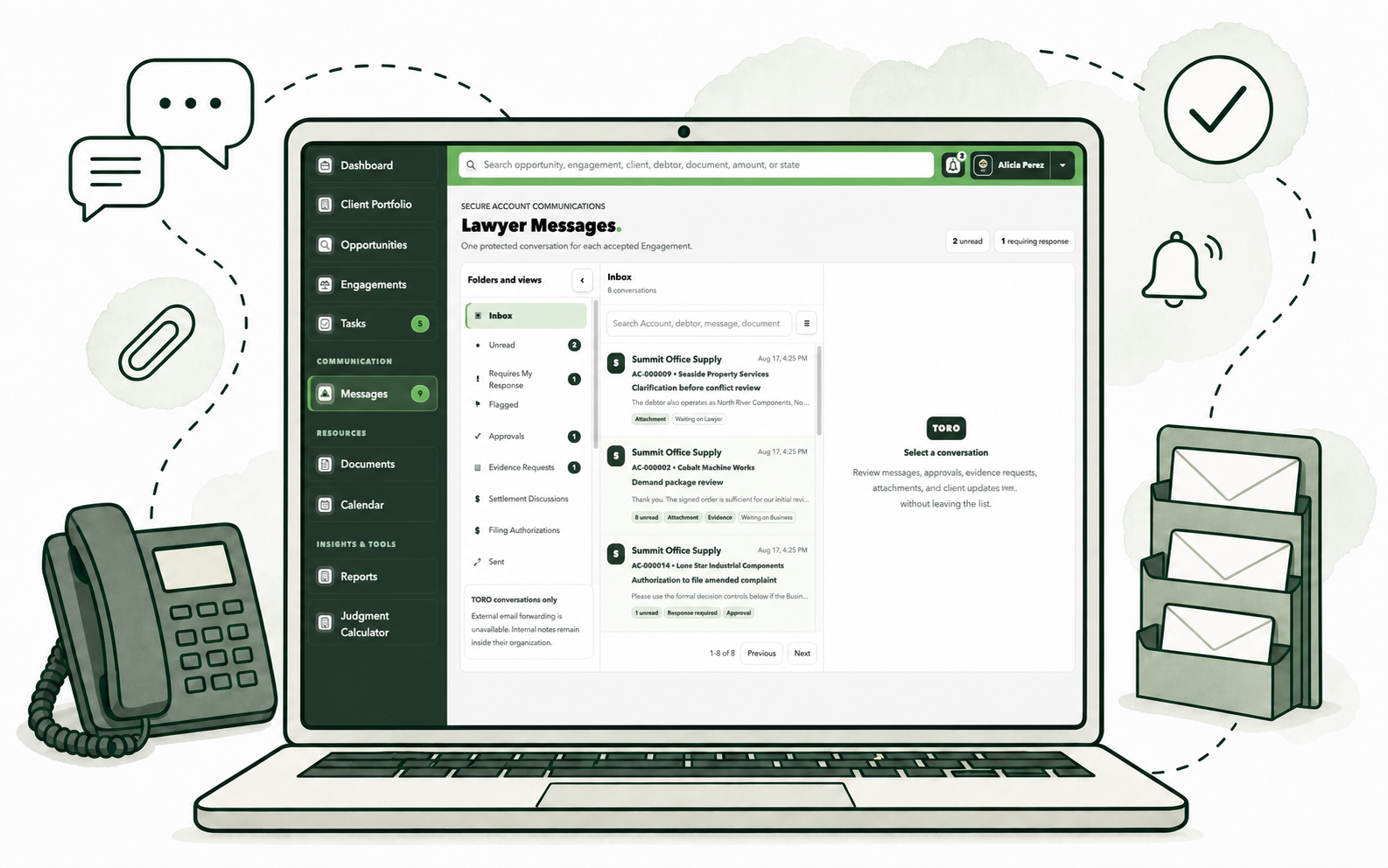
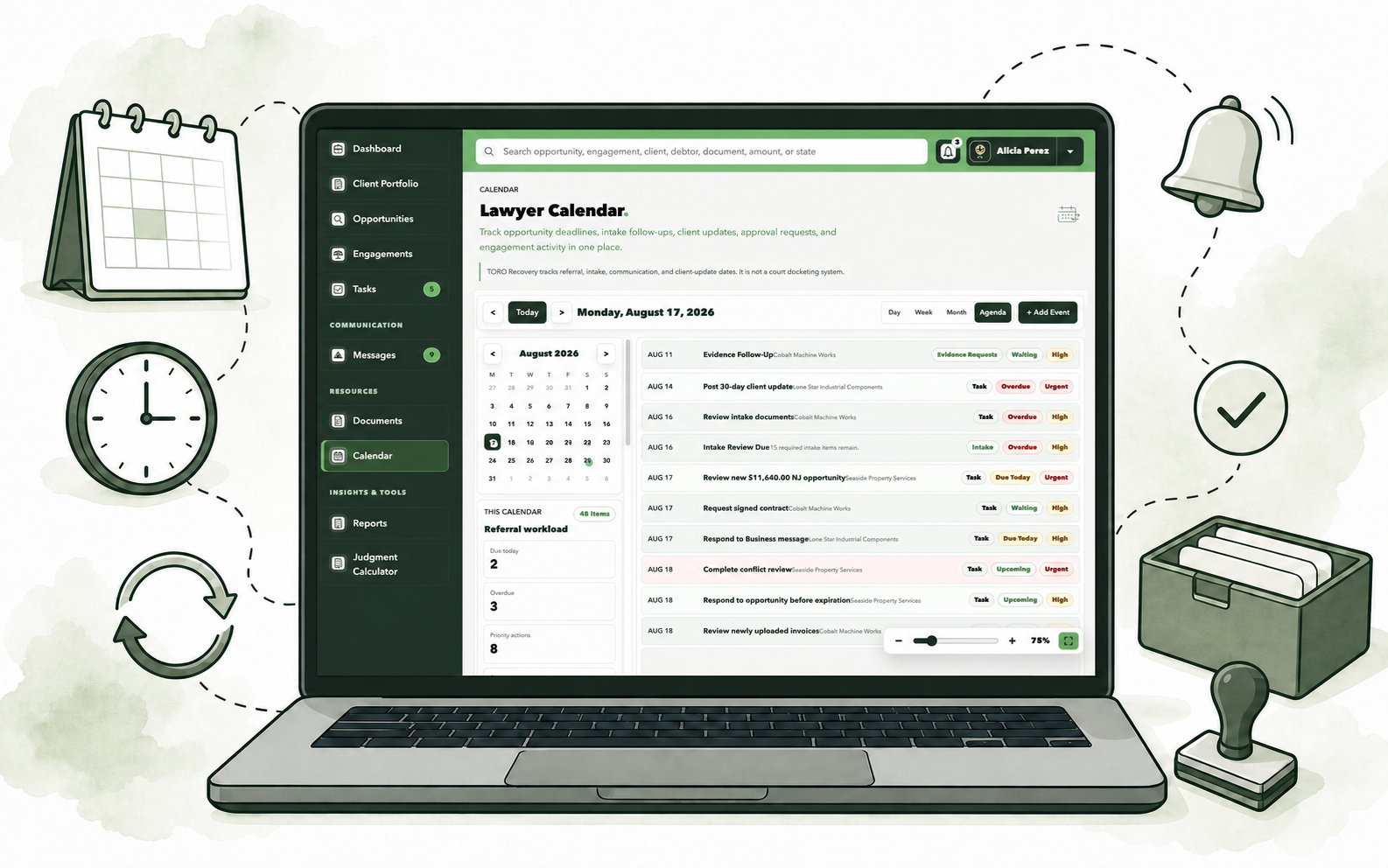
Use Account-specific messages, document requests, client updates, approvals, shared files, and a visible date for the next update.
Lawyer workspace
Opportunity marketplace
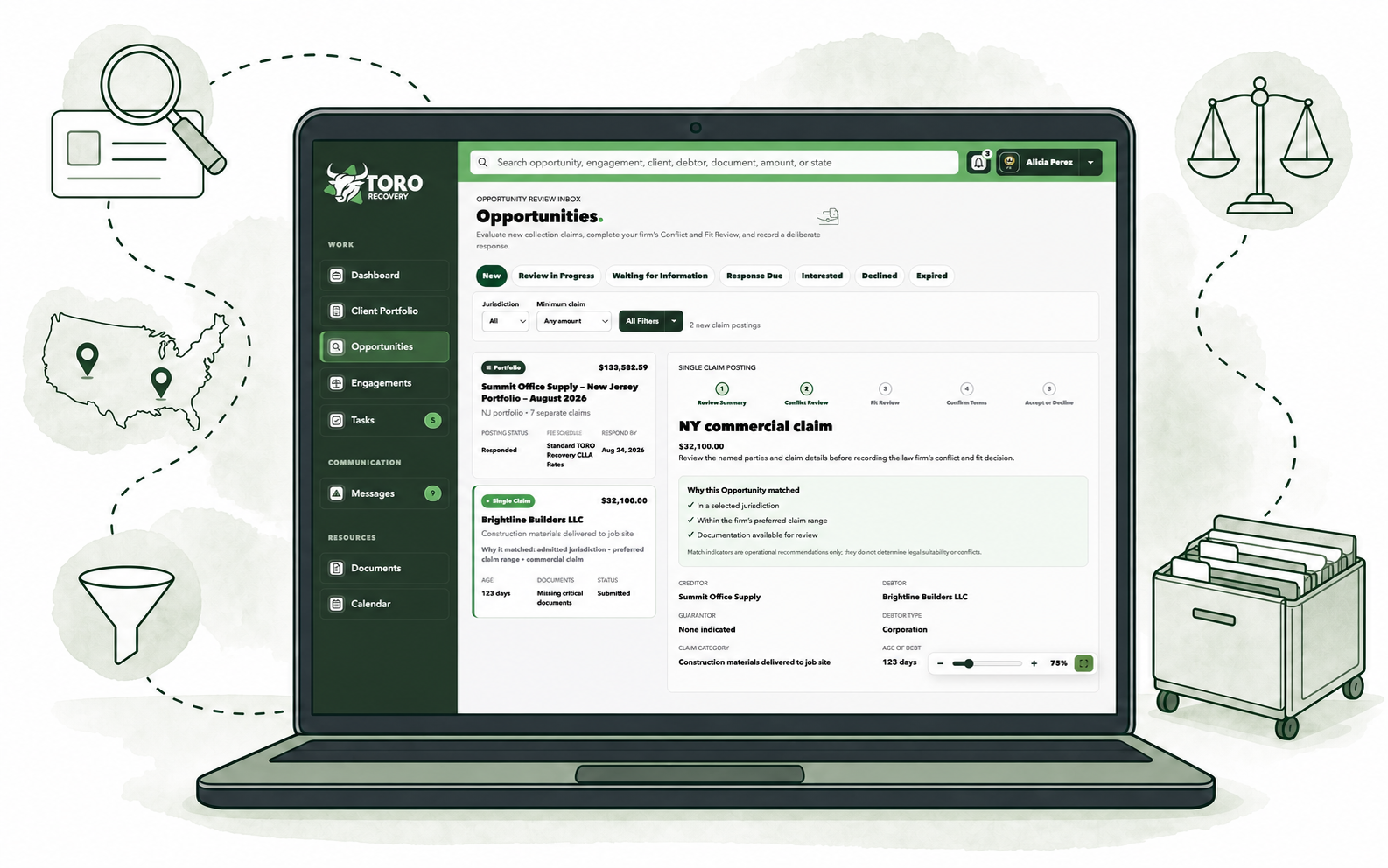
Filter authorized claims by state and amount. Review the parties, balance, available documents, dispute details, response date, and your firm’s current capacity in one place.
Structured conflict and fit review
Party names and review responses follow the same clear format for every opportunity. TORO Recovery supplies the workflow; the law firm remains responsible for completing its own conflict check.
Engagement briefing
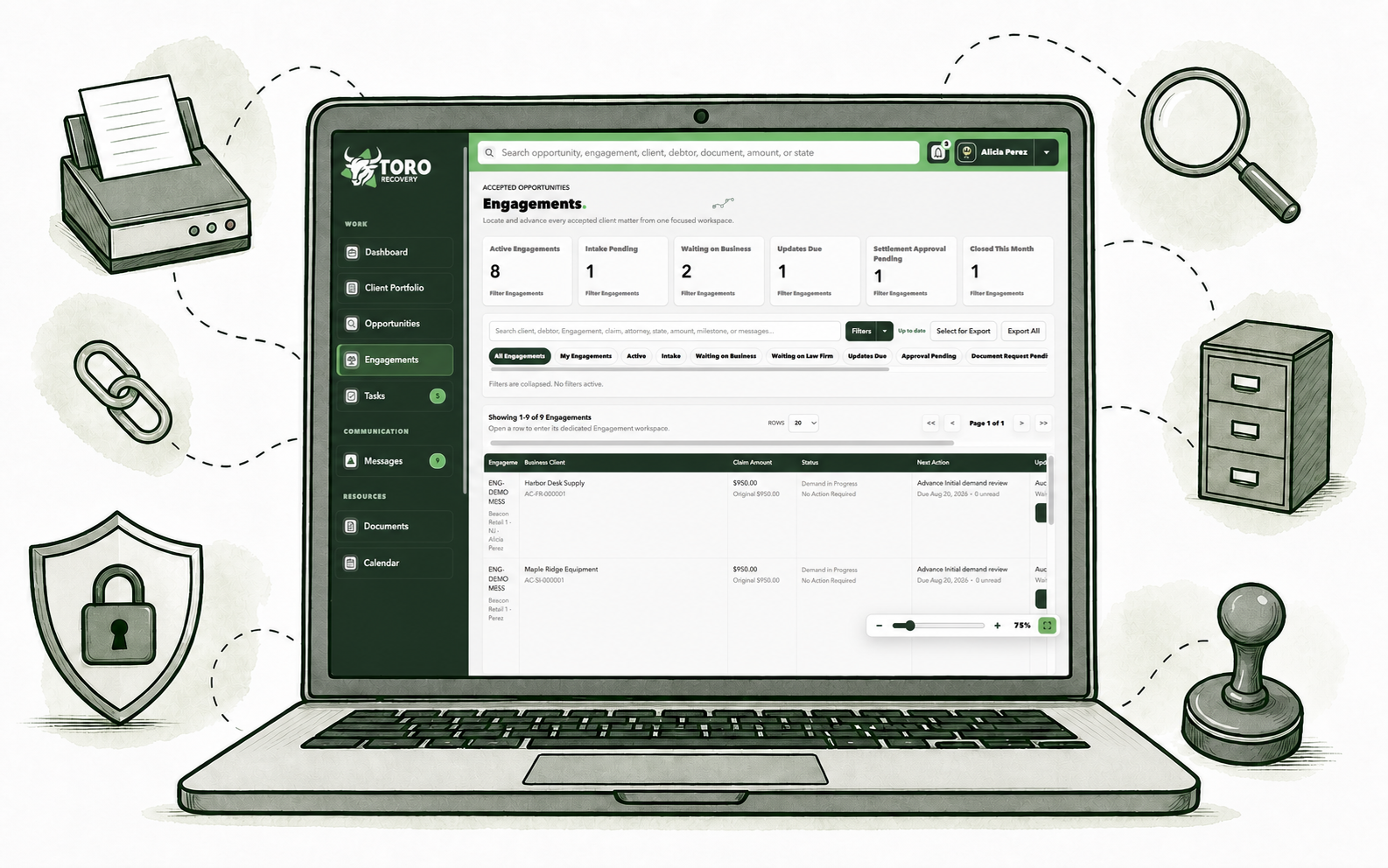
The balance, recent activity, missing evidence, open questions, pending approvals, next action, and supporting source records stay together in one plain-language summary.
Organized onboarding vault
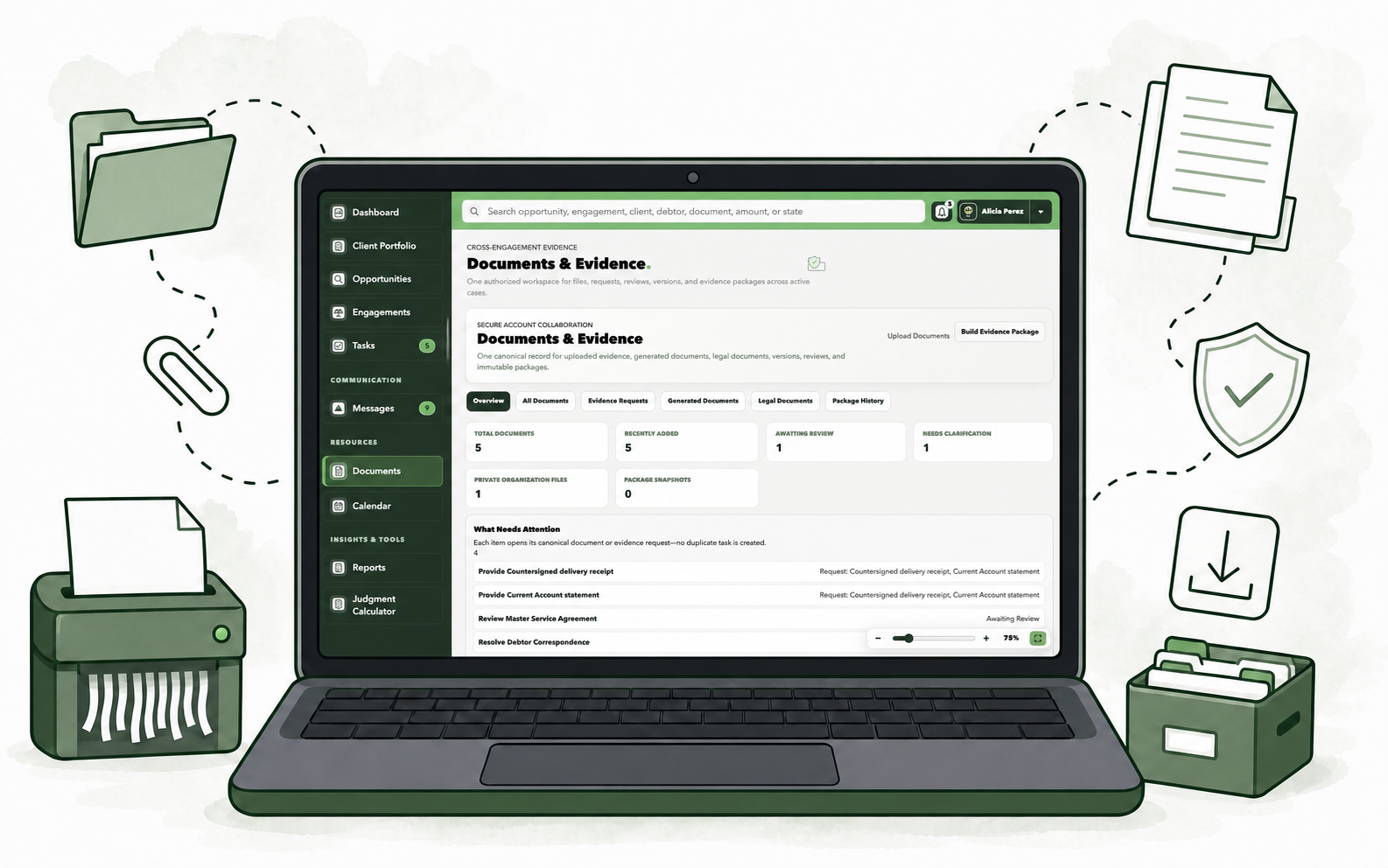
See what was provided, what may still be needed, which version is current, and who downloaded it. The firm can request missing evidence without losing the request in email.
Client updates
Editable drafts draw from recorded activity and link back to the source. An attorney reviews every update before it is shared, and private law-firm notes remain private.
Messages and approvals
Account-specific conversations connect document requests, settlement decisions, filing approvals, Business responses, client updates, and the activity history.
Works alongside existing firm software
TORO Recovery organizes what happens before and around the Engagement. It does not ask your firm to replace the software it already uses to manage active cases.
Free Client Match
Enter non-sensitive preferences such as states, claim range, industries, litigation availability, and capacity. The tool returns fictional examples—not live claims.
No bar numbers, client information, debtor names, or conflict-check data requested.
Start the Free Client MatchTrust, access, and verification

Party and claim information appears only when the Business has authorized the firm to see it.
Each law-firm user receives only the access allowed by that person’s role.
Engagements, files, messages, and client updates remain limited to the right Account.
Important Business and attorney decisions require a recorded confirmation.
The record shows file visibility, versions, secure access, and download activity.
Attorney and firm profiles show onboarding and verification status without suggesting automatic approval.
Apply to join
We review firm and attorney information before activating access. Applying does not guarantee approval, referrals, an Engagement, revenue, or a collection result.
Frequently asked questions
No. Keep using the system your firm relies on for case management. TORO Recovery organizes the referral, intake file, Business communication, and approvals around a commercial collection Engagement.
No. Your firm performs and records its own conflict review. TORO Recovery provides party information and a consistent place to document the result.
Party names appear only after the Business has authorized the disclosure and the opportunity has reached the correct review stage.
TORO Recovery is designed for U.S. business-to-business commercial collection claims. What your firm sees depends on Business submissions, jurisdiction, claim size, firm preferences, and current capacity.
Yes. Set the states, dollar ranges, industries, debtor types, litigation availability, and workload that fit your practice. Fee terms follow the TORO Recovery CLLA Rate Schedule.
No. It only records that the firm wants to continue its review. A written Engagement and the required approvals are still needed.
The Business and firm review and accept the applicable written terms through a separate confirmation step. TORO Recovery does not hire the firm automatically.
Yes, after an authorized firm user invites them and assigns the correct role. Access remains limited to their firm and authorized Accounts.
Files the Business approves for sharing appear inside the Engagement. The firm can review the current version, request missing items, download authorized files, and see the document history.
Use Account-specific messages, document requests, editable update drafts, approval requests, and a scheduled date for the next client update.
No. Lawyer and firm applications are reviewed, and not every applicant or requested jurisdiction will be approved.
No. It uses fictional examples and non-sensitive firm preferences. It is not a conflict check and does not promise a referral.
Allow anonymous page-category analytics. TORO does not send Account, debtor, document, Message, form-entry, search, or payment content to PostHog. Session recording is disabled. Privacy details